File: /var/www/design.system/node_modules/@storybook/addon-outline/README.md
# Storybook Addon Outline
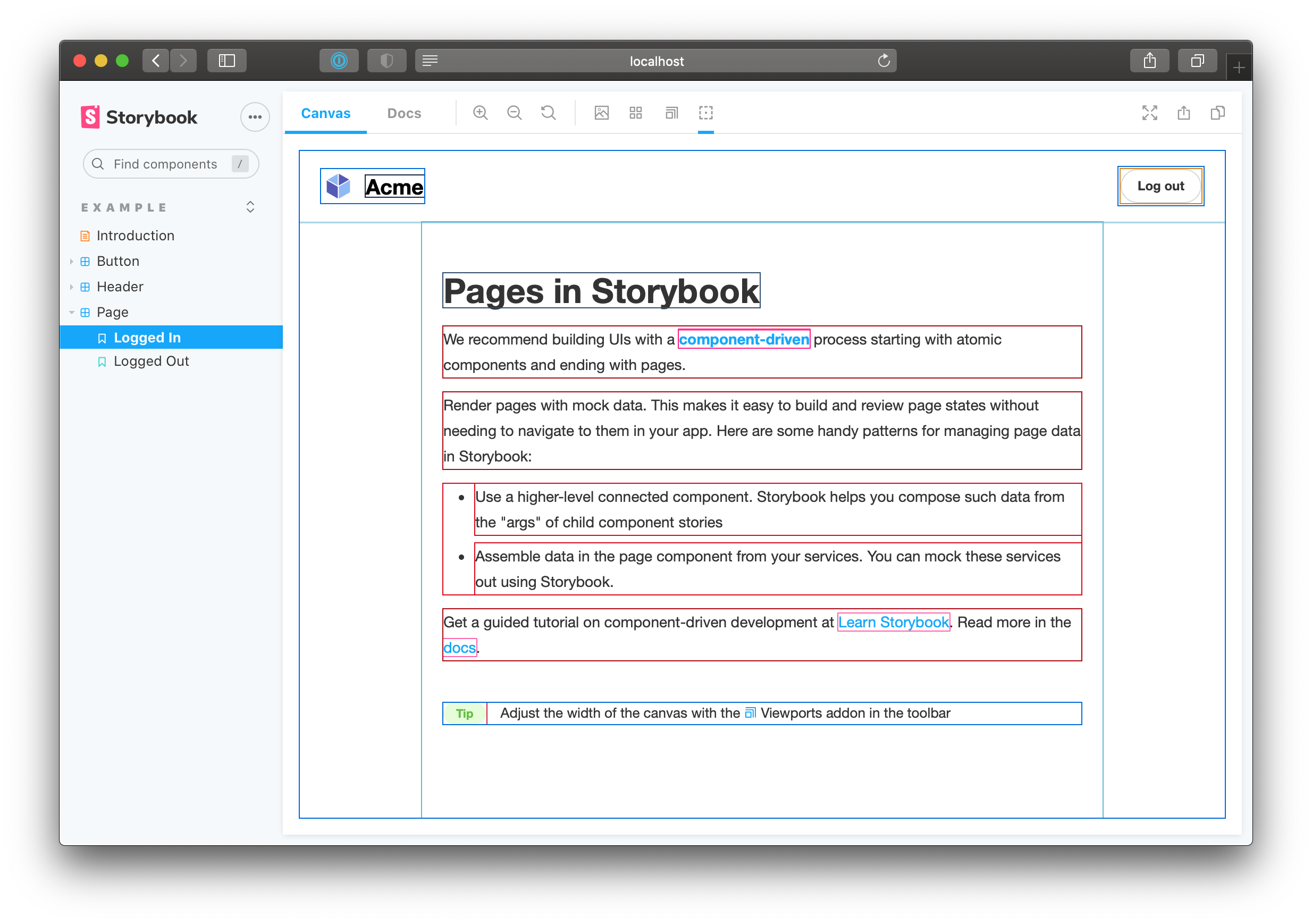
Storybook Addon Outline can be used for visually debugging CSS layout and alignment inside the preview in [Storybook](https://storybook.js.org). Based on [Pesticide](https://github.com/mrmrs/pesticide), it draws outlines around every single element in the preview pane.
## Usage
Requires Storybook 6.1 or later. Outline is part of [essentials](https://storybook.js.org/docs/essentials) and so is installed in all new Storybooks by default. If you need to add it to your Storybook, you can run:
```sh
npm i -D @storybook/addon-outline
```
Then, add following content to [`.storybook/main.js`](https://storybook.js.org/docs/configure#configure-your-storybook-project):
```js
export default {
addons: ['@storybook/addon-outline'],
};
```
You can now click on the outline button or press the <kbd>o</kbd> key in the toolbar to toggle the outlines.